How to improve TV picture quality: a simple setting for a better viewing experience
Many residents of Kamianske face image stuttering while watching movies. The problem can be solved by adjusting the screen refresh rate settings.
 🎭Culture & Sport
Photo: UNIAN
Key points
- Mismatch between video frame rate and screen refresh rate
- Activating the Match content frame rate function
- Benefits of Filmmaker Mode
Owners of modern televisions often notice unpleasant jitter or "micro-stuttering" while watching movies. Despite a common misconception, the cause of these defects is rarely related to internet connection quality. Most often, the problem lies in the mismatch between the frame rate of the video content and the refresh rate of the display.
Why image stuttering occurs
Most modern movies are filmed at 24 frames per second. At the same time, televisions usually operate at 60 or 120 Hz. To adapt the content, devices use a conversion algorithm that creates an uneven playback rhythm, which the viewer perceives as stuttering, especially during camera pans.
How to fix the problem
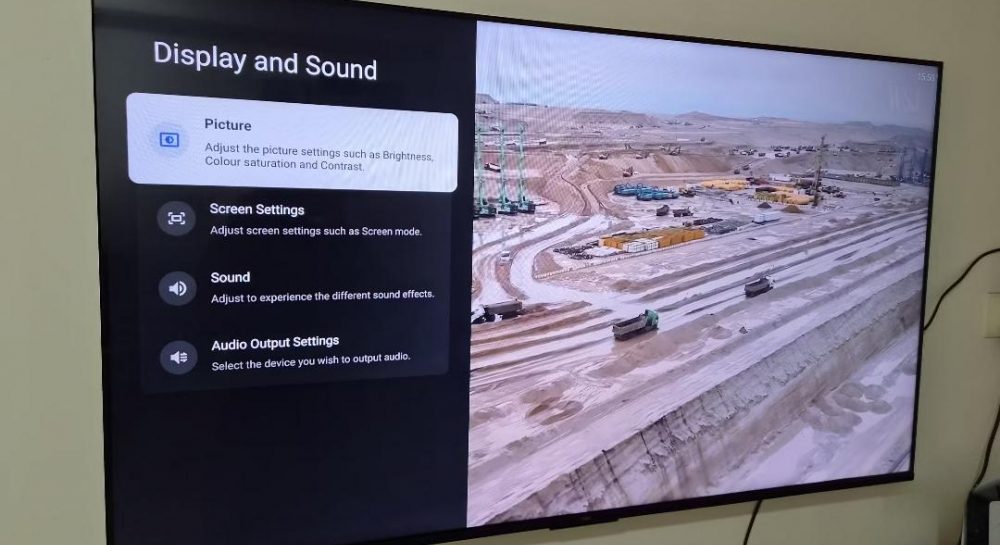
You can resolve the situation through the TV's settings menu. You need to activate the Match content frame rate function. Once enabled, the TV will automatically adjust its refresh rate to match the source file.
- Check the display settings in the "Picture" or "Screen" section.
- Select the frame rate matching mode.
- Additionally, it is recommended to activate "Filmmaker Mode" to disable artificial motion smoothing.
These simple steps will allow you to get rid of the "soap opera effect" and enjoy movies exactly as the director intended.
Source UNIAN — unian.ua/techno/gadgets/chomu-smikayetsya-zobrazhennya-na-televizor… ↗
Read next
 👥Society
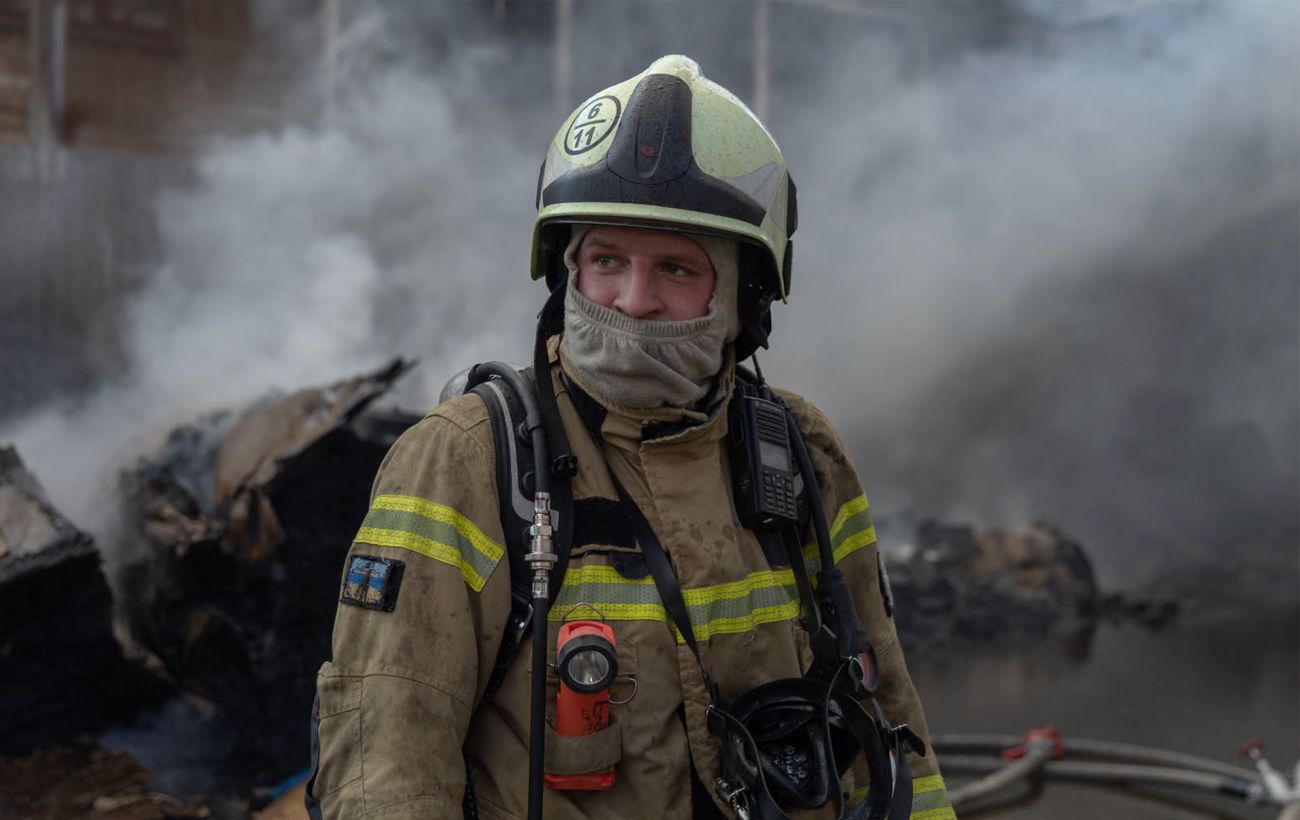
Enemy Airstrike in Dnipropetrovsk Region: Gas Utility Worker Injured
Russian forces hit a gas facility in the Dnipropetrovsk region with an aerial bomb, injuring a company employee.
 💼Economy
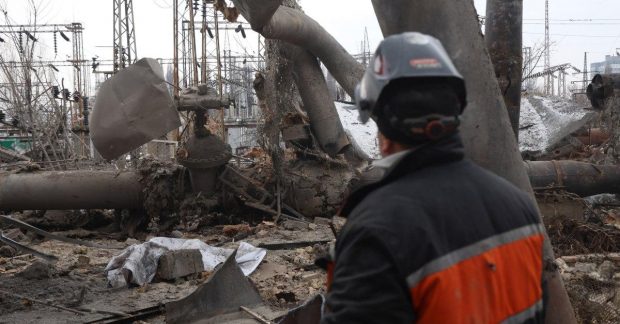
Ukraine's Energy Grid: Military Engineers May Be Engaged in Repairing Damaged Facilities
The government is considering involving military specialists in repairing energy infrastructure damaged by shelling to accelerate restoration works.
 🏙️City
Death toll rises after enemy attack in Kyiv region: Body recovered from under rubble in Dymer
Rescuers have recovered the body of another victim while clearing rubble at a residential building in the Vyshhorod district. Search and operation efforts are complicated…
 🏙️City
Swedish K200 Interceptor Drone: New Technology for Sky Defense
Swedish company Nordic Air Defence has unveiled the K200 drone, capable of autonomously destroying enemy jet-powered UAVs.
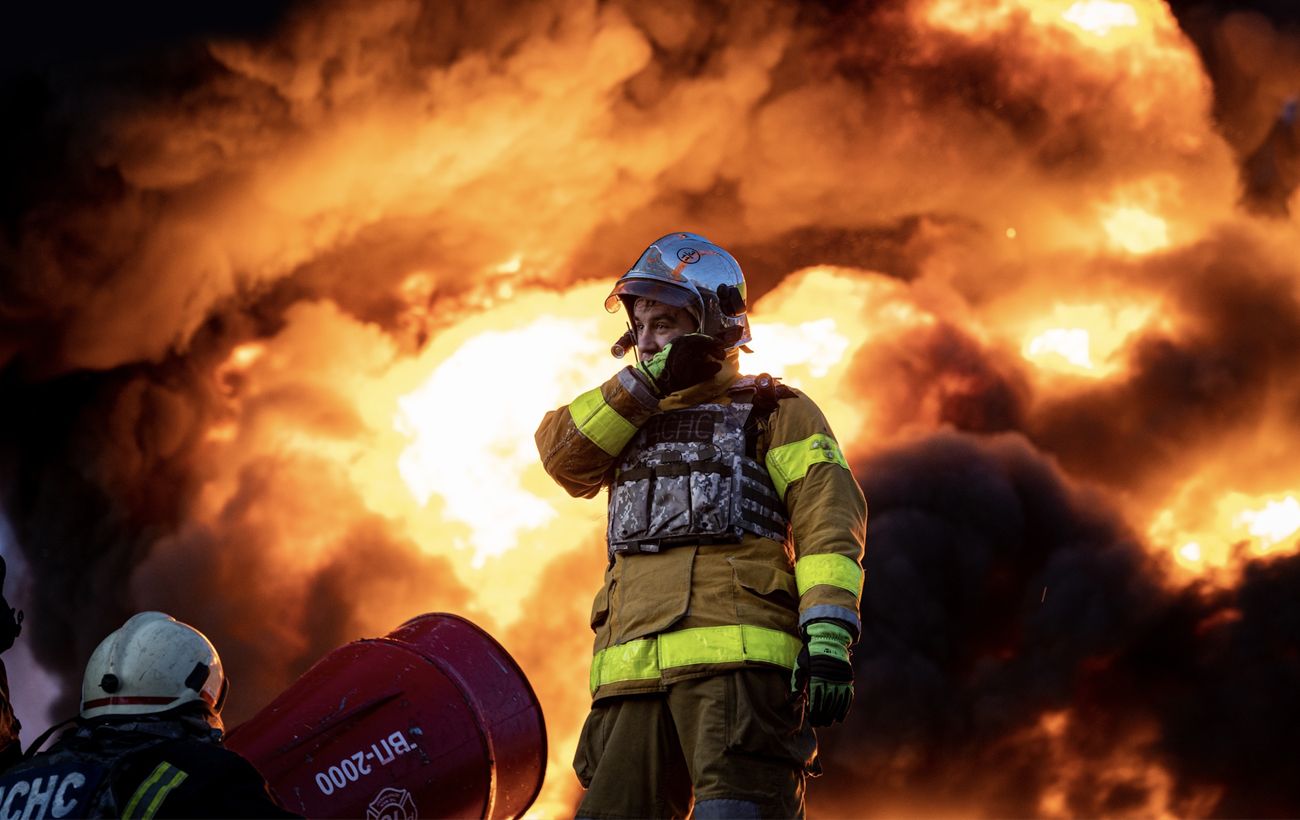 🛡️Security
Russian attack in Kyiv region: one dead and several injured after strike on a store
Another enemy shelling of the Kyiv region has led to a tragedy in Vyshneve. A strike on a civilian facility has resulted in casualties among the local population.
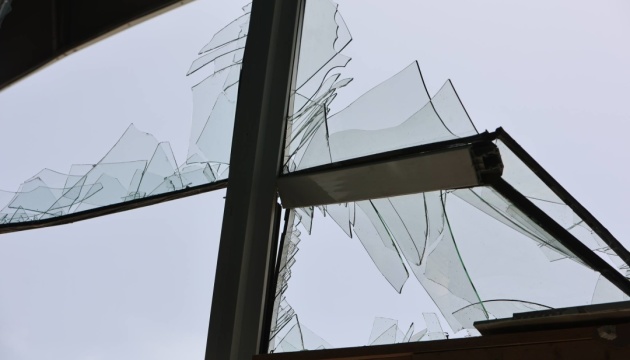 🩺Health
Consequences of enemy attack in Kyiv region: woman injured and houses damaged
A local woman was injured following a night-time drone attack in the Bila Tserkva district. Emergency services are currently managing the aftermath of fires and structura…